


5 Best Mockup Generators for POD in 2026 (Free & Paid)
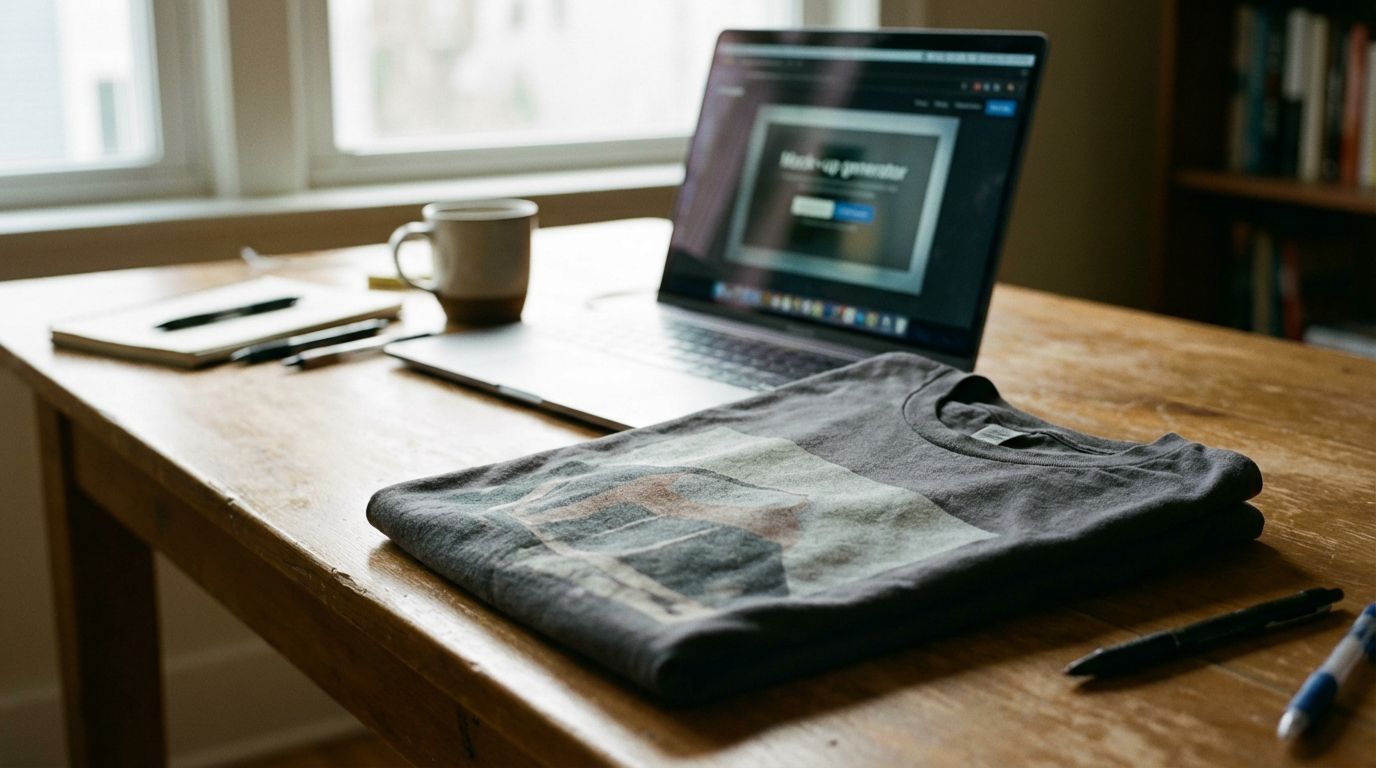
You have a fantastic design ready to go. The problem is, it only exists as a digital file. How do you show customers what it will look like on a real t-shirt, mug, or hoodie? The answer is a high-quality mockup. Especially with seasonal rushes like Mother's Day, graduation, and summer on the horizon, a great mockup can make the difference between a scroll-past and a sale. This guide walks you through the best mockup generator tools to bring your designs to life.
Here are your quick takeaways:
Professional mockups are essential for helping customers visualize your products and building trust.
Tools range from powerful, free built-in options to paid suites with vast libraries.
Gelato's free Magic Mockups tool is designed to perfectly streamline your design-to-listing process.
Why high-quality mockups are essential for your POD business
A mockup is a digital image that shows your design on a blank product. Instead of printing a sample and organizing a photoshoot for every new design, you can use a mockup generator to create realistic product photos in minutes. It is one of the most important steps in how to start a print-on-demand business.
Great mockups do three things for your store:
They build trust. Professional, clean images make your brand look legitimate and trustworthy. Blurry or poorly-made mockups can make customers question the quality of your actual products.
They help customers visualize. Shoppers want to see how a t-shirt will fit or how a design looks on a specific color. Mockups bridge the gap between a design file and a physical item, helping customers make a confident purchase decision.
They increase conversions. A compelling lifestyle mockup that shows a product in a real-world setting can create an emotional connection. When a customer can picture themselves using your product, they are much more likely to buy it.

What to look for in a mockup generator
Not all mockup tools are created equal. When choosing the right mockup generator for your business, consider these key factors:
Ease of use: You need a tool that is intuitive and fast. You should be able to upload your design and generate a beautiful mockup in just a few clicks, without a steep learning curve.
Product variety: Does the generator offer a wide range of products that match what you sell? Look for a library that includes different apparel styles, mugs, wall art, and other profitable print-on-demand products.
Image quality: Your mockups must be high-resolution. Crisp, clear images look professional on your product pages and are shareable on social media.
Customization: The ability to change the background color, choose different models, or create unique scenes helps your mockups stand out from the competition.
Cost: Some tools are free, some charge per mockup, and others use a subscription model. Decide what fits your budget and business stage.
The 5 best mockup generators for 2026
Here is a breakdown of the top free and paid mockup generator options that can help you create stunning product images for your print-on-demand store.
1. Gelato’s Magic Mockups (The integrated solution)
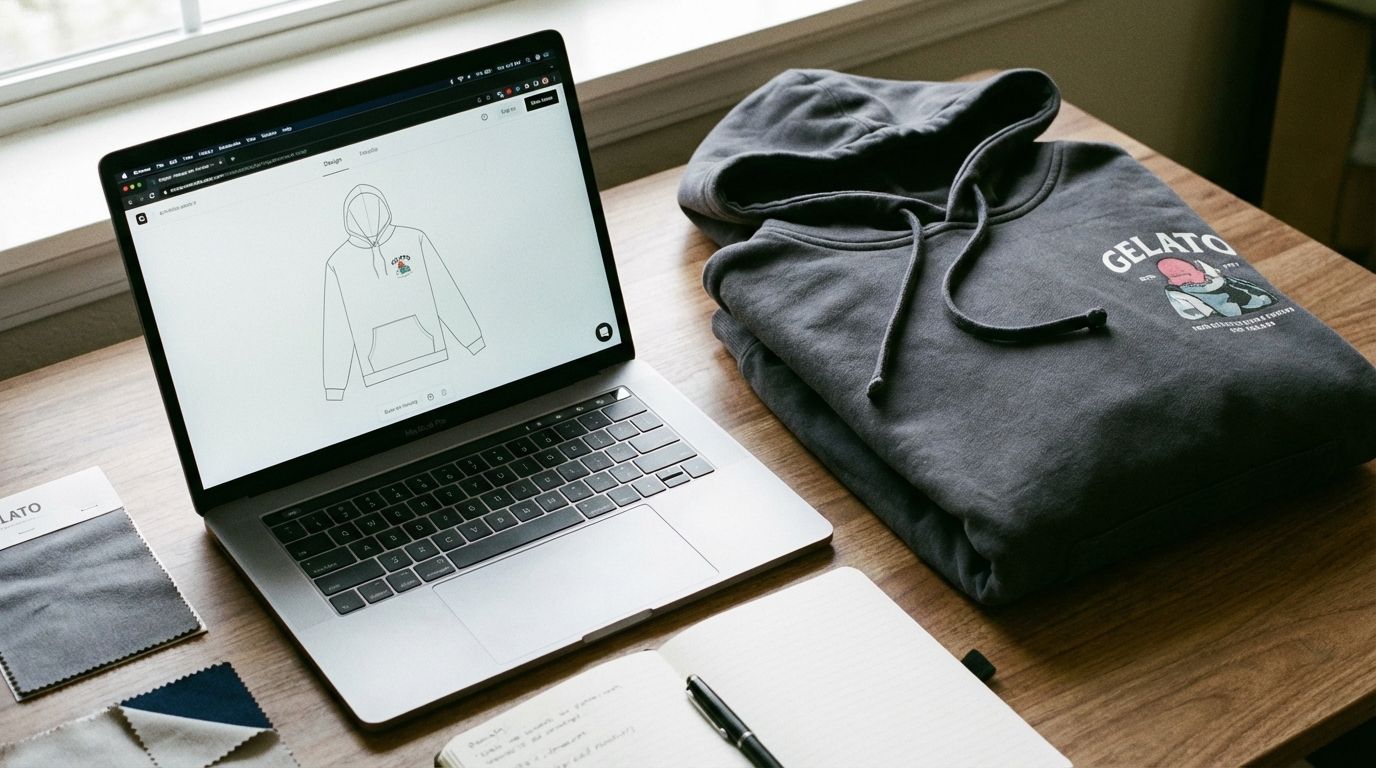
For creators using Gelato, the best place to start is right inside your dashboard. Magic Mockups is Gelato's free, built-in mockup generator designed to create perfect, high-resolution mockups for your store.
Because it’s integrated directly into the Gelato platform, the workflow is seamless. You can create your product, generate mockups, and push them to your ecommerce store without ever leaving the site. The mockups are perfectly matched to Gelato’s product catalog, so what your customer sees is what they get. You can choose from a growing library of flat lays and lifestyle images with models.
Best for: Gelato creators who want a fast, free, and perfectly integrated tool to create professional mockups without any extra software.
2. Placeit (The all-in-one powerhouse)
Placeit by Envato is one of the most well-known names in the mockup world. It offers a massive library of thousands of photo and video mockups featuring a diverse range of models and settings. Beyond apparel, you can find mockups for everything from phone cases to books.
Placeit is incredibly easy to use with a simple drag-and-drop interface. It also offers tools for creating logos and social media designs, making it a versatile tool for creators. However, its power comes with a monthly or annual subscription fee.
Best for: Sellers with a budget who need a huge variety of mockups, including video, and want an all-in-one design solution.

3. Smartmockups (The Canva of mockups)
Smartmockups is known for its user-friendly interface and clean, professional aesthetic. It was acquired by Canva, so it integrates seamlessly if you already use Canva for your design work. You can create a design in Canva and push it directly to a Smartmockups template.
They offer a great selection of high-quality mockups, including technology, print, and apparel. While they have a free plan, the best mockups and features are locked behind a paid subscription.
Best for: Creators who use Canva and want a simple, intuitive tool for creating polished and professional mockups.
4. Vexels (For graphics and mockups)
Vexels is more than just a mockup generator; it’s a full graphic design resource for sellers. A subscription gives you access to a library of ready-made designs, illustrations, and other assets you can use for your products.
Their mockup generator is solid, offering a good selection of apparel and other product mockups. It's a great value if you plan to use their other design resources. If you only need mockups, however, other tools might be more focused.
Best for: Print-on-demand sellers who need both a mockup tool and a steady stream of commercial-use graphics for their designs.
5. Photoshop & Photopea (The DIY professional route)
For creators who want complete creative control, Adobe Photoshop is the industry standard. You can purchase high-quality mockup templates from marketplaces like Creative Market and then customize every detail—from lighting and shadows to fabric textures. This approach requires technical skill and can be time-consuming.
For a free alternative, Photopea is a web-based editor that works almost exactly like Photoshop and supports PSD (Photoshop) files. It’s a powerful option if you're on a budget but still want the control of a professional editor. This path is less about a "generator" and more about hands-on creation, much like the difference between a pre-made design and a guide on how to take good product photos yourself.
Best for: Designers and creators with technical skills who want maximum control over their final mockup images.
How to create mockups that actually convert
Having a great mockup generator is only half the battle. How you use it determines your success. Your goal is to create images that stop the scroll and make someone say, "I need that."
Know your audience: Choose models and environments that reflect your target customer's lifestyle and aspirations. If you sell apparel for outdoor enthusiasts, use mockups set in nature, not a sterile studio.
Use lifestyle mockups: While a simple flat lay on a white background is good for a primary product photo, lifestyle shots sell the story. Show people enjoying your products in realistic settings.
Stay consistent: Use a consistent style of mockups across your store. This creates a cohesive, professional brand identity that customers will recognize and trust.
Showcase variety: Use the mockup generator to show your design on different product colors and styles. For a t-shirt, create mockups for at least 3-4 popular colors. This is especially easy when launching a profitable print on demand t-shirts business.

Pro tip: Creating seasonal mockups that sell
Seasonal events are a huge opportunity for print-on-demand sellers. Tailoring your mockups to the season can significantly boost your sales.
Mother's Day: Think soft, warm, and sentimental. Use mockups with floral backgrounds, homey settings (like a cozy kitchen for a print-on-demand mug), and gentle lighting.

Graduation: This season is about celebration and achievement. Use mockups that feel energetic and optimistic. Think confetti, caps and gowns, or group photos with friends.
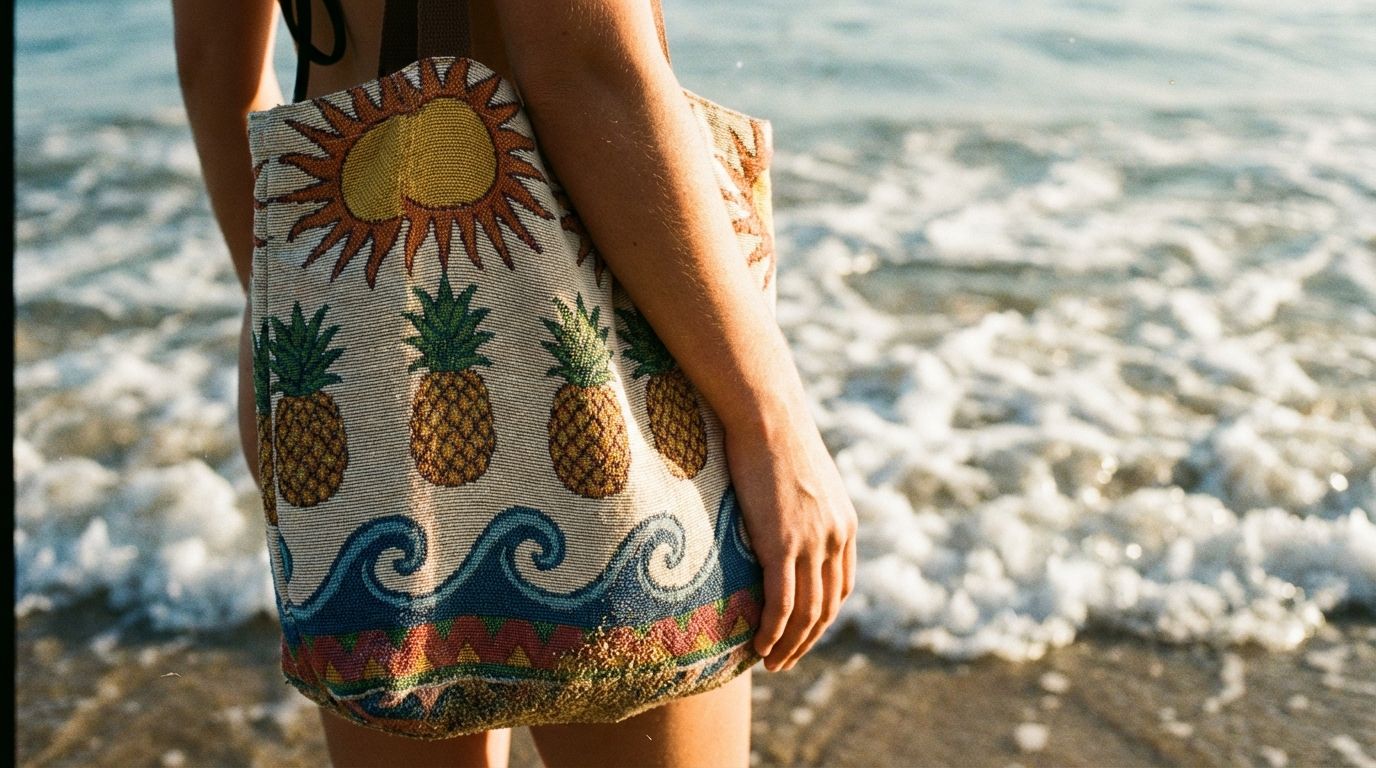
Summer: Go for bright, sunny, and fun. Use mockups set at the beach, a park, or a backyard BBQ. Bright colors and outdoor lighting will make your summer-themed designs pop.
A powerful mockup generator is one of the most valuable tools in your creator toolkit. It allows you to showcase your designs professionally, build a strong brand, and turn your ideas into products people want to buy.
Start by exploring the free print-on-demand tools you already have access to. With Gelato’s Magic Mockups, you can create and list your first product today.