


How to Create an Amazon Storefront for POD in 2026 | Gelato
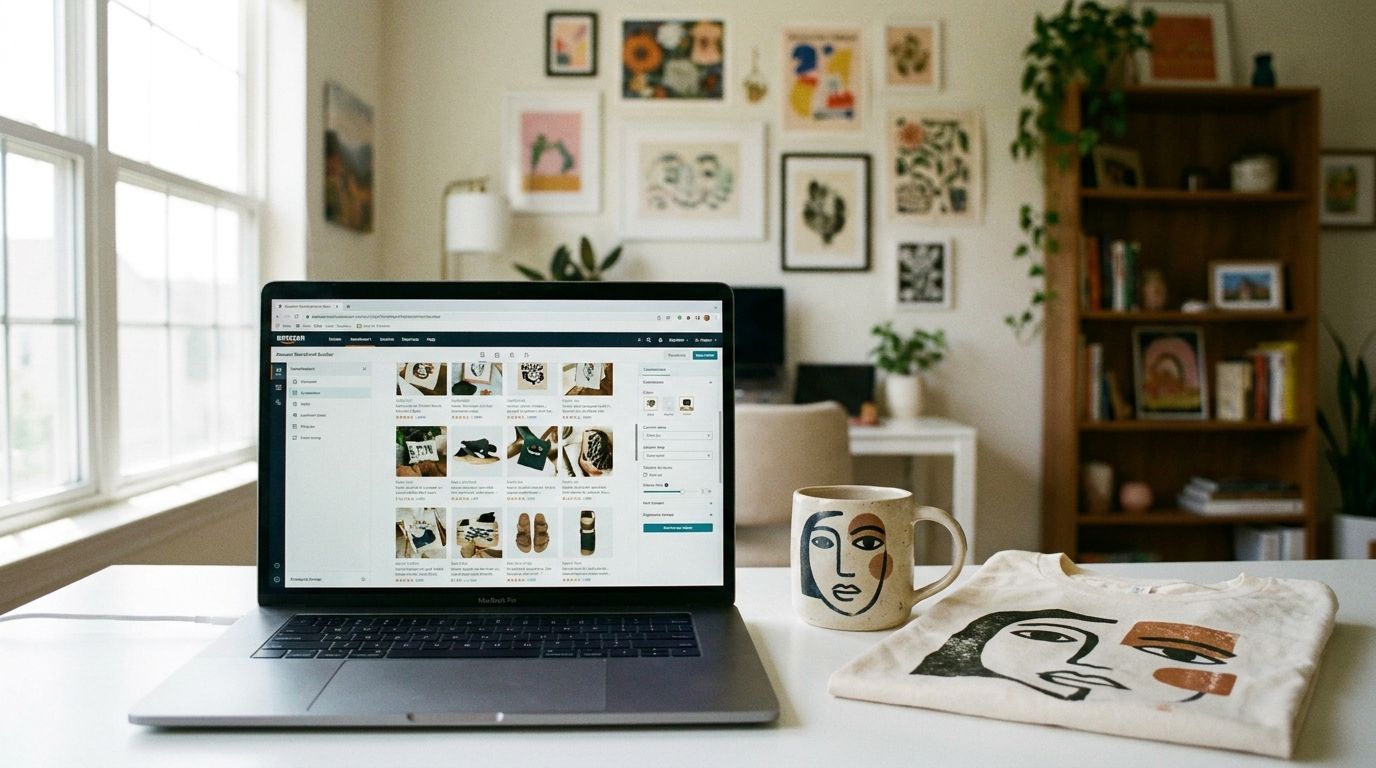
You have incredible designs and a growing print on demand business. But you want to reach a larger audience without being just another listing in a crowded marketplace. An Amazon Storefront can be the perfect next step, giving your brand a dedicated home on one of the world’s largest ecommerce platforms.
This guide will show you exactly how to create an Amazon Storefront, specifically for your print on demand products.
Get your brand trademarked and enroll in Amazon Brand Registry.
Use the Store Builder to create a custom, branded shopping experience.
Connect your store with a print on demand partner like Gelato to automate fulfillment.
What is an Amazon Storefront?
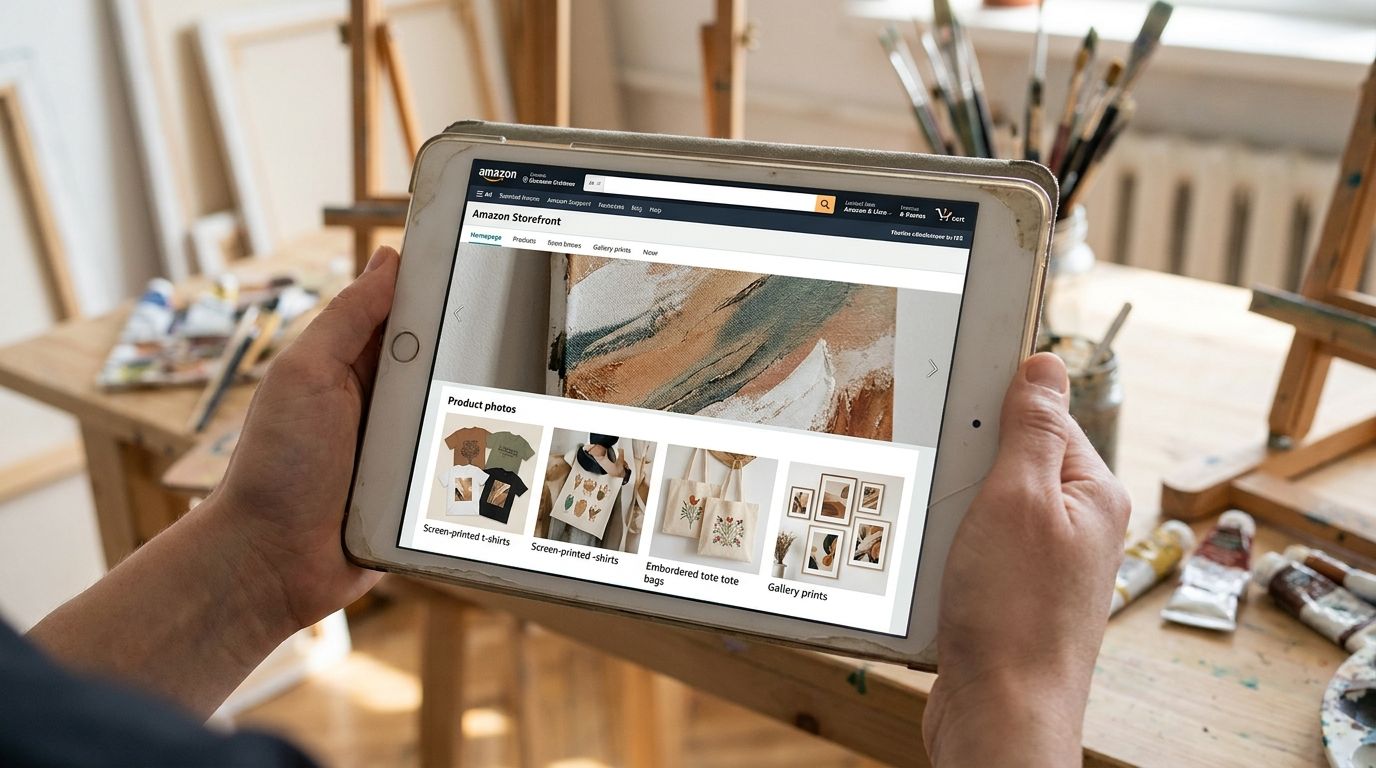
Think of an Amazon Storefront as your own branded mini-website, right on Amazon. It’s a dedicated space where you can showcase your brand story, highlight your unique designs, and organize your products into collections. Unlike a standard product listing, a storefront gives you creative control over the layout, imagery, and messaging, helping you stand apart from the competition.
For print on demand creators, this is a powerful tool. It allows you to build a cohesive brand identity, which is crucial for turning one-time buyers into loyal fans. Instead of customers finding a single t-shirt, they discover your entire world of designs, from hoodies to wall art and mugs.
Why your POD business needs an Amazon Storefront
Expanding your reach to Amazon’s massive customer base is a smart move. But simply listing products isn’t enough. An Amazon Storefront offers several key advantages:
Build brand trust: A professional, well-designed storefront shows customers you’re a legitimate brand, not just a random seller. This builds confidence and encourages purchases.
Increase average order value: By curating your products into collections, you can inspire customers to buy more than one item. Someone who came for a tote bag might leave with a matching phone case and hoodie.
A better shopping experience: You can guide customers through your product catalog with custom pages and navigation. This helps them discover new designs and products they might not have found otherwise.
Access to exclusive marketing tools: Once you have a storefront, you can use Sponsored Brands ads, which feature your logo and a custom headline, driving traffic directly to your branded space.
Before you start: The essentials
Before diving into the design process, you need to have a few things in place. The most important requirement for opening an Amazon Storefront is enrolling in Amazon Brand Registry.
Here’s what you’ll need:
An active registered trademark: This is the most critical step. Your brand name or logo must be trademarked in the country where you want to sell. The process can take several months, so it’s best to start early.
A professional Amazon seller account: Storefronts are only available to professional sellers, which involves a monthly subscription fee.
Your brand name and logo: Make sure your branding is consistent across all your platforms.
Getting these elements sorted upfront will make the process of setting up your storefront smooth and simple.
How to create an Amazon Storefront: A step-by-step guide
Once you’re enrolled in Amazon Brand Registry, you can start building your store. The process is straightforward and doesn’t require any coding skills.
Step 1: Log in to Seller Central
Navigate to the ‘Stores’ section in your Amazon Seller Central dashboard. If you’re eligible, you’ll see an option to create a store.
Step 2: Choose a template
Amazon provides several pre-built templates to get you started. You can choose one that best fits your brand’s aesthetic. Templates like ‘Marquee’ or ‘Product Grid’ are great for showcasing print on demand products visually. Don’t worry, you can customize every element later.

Step 3: Design your homepage
This is your brand’s first impression. Use a high-quality header image that captures the essence of your brand. Add your logo and write a short, compelling tagline. You can use a mix of content tiles, including images, text, and product grids, to build out your homepage. Tell your brand’s story and guide visitors to your key product collections.
Step 4: Add more pages for your collections
Your homepage is just the beginning. Create separate pages for different product categories or design collections. For example, you might have pages for:
Apparel (T-shirts, hoodies, sweatshirts)
Home & Living (Mugs, posters, pillows)
Accessories (Tote bags, phone cases)
New Arrivals
Organizing your store this way makes it easy for customers to navigate and find exactly what they’re looking for. A Creator’s Guide to Turning Your Art Into Prints can offer some inspiration for how to categorize your artwork.
Step 5: Add your print on demand products
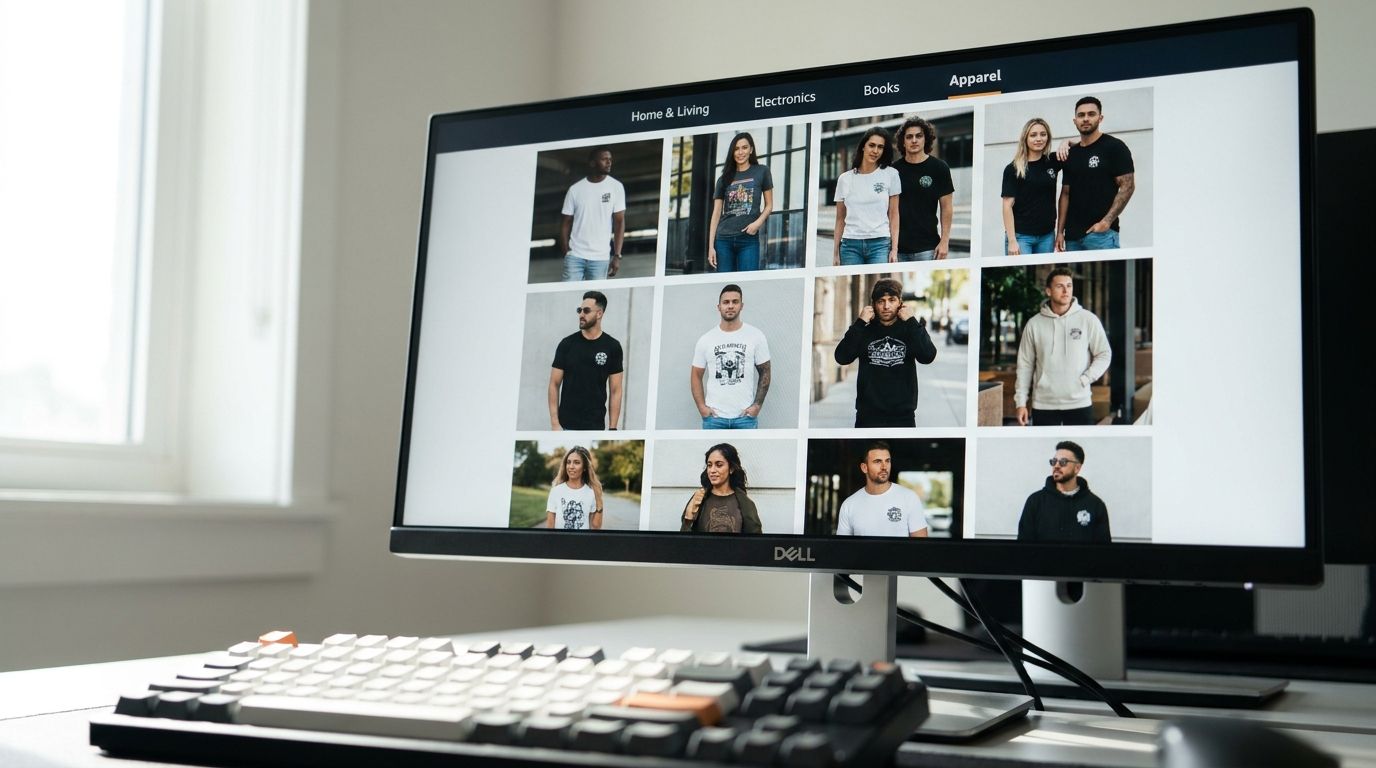
Now it’s time to populate your pages with products. The Store Builder allows you to search your Amazon catalog and add individual products or groups of products to different sections. Use high-quality images for every listing. This is where using one of the best mockup generators for your POD business becomes essential. Showcasing your designs on realistic product photos will significantly boost your conversion rates.
Step 6: Submit your storefront for review
Once you’re happy with your design, submit it for review. Amazon’s team will check to ensure it meets their guidelines. The review process usually takes a few days. Once approved, your storefront will be live and you’ll get a unique URL (e.g., amazon.com/yourbrand) that you can share with the world.
Designing a storefront that sells your POD products
A great storefront is more than just a product catalog. It’s a branded experience. Here are a few tips to make your POD storefront stand out:
Focus on high-quality visuals: Your designs are the star of the show. Use large, eye-catching images and lifestyle mockups that help customers imagine themselves using your products.
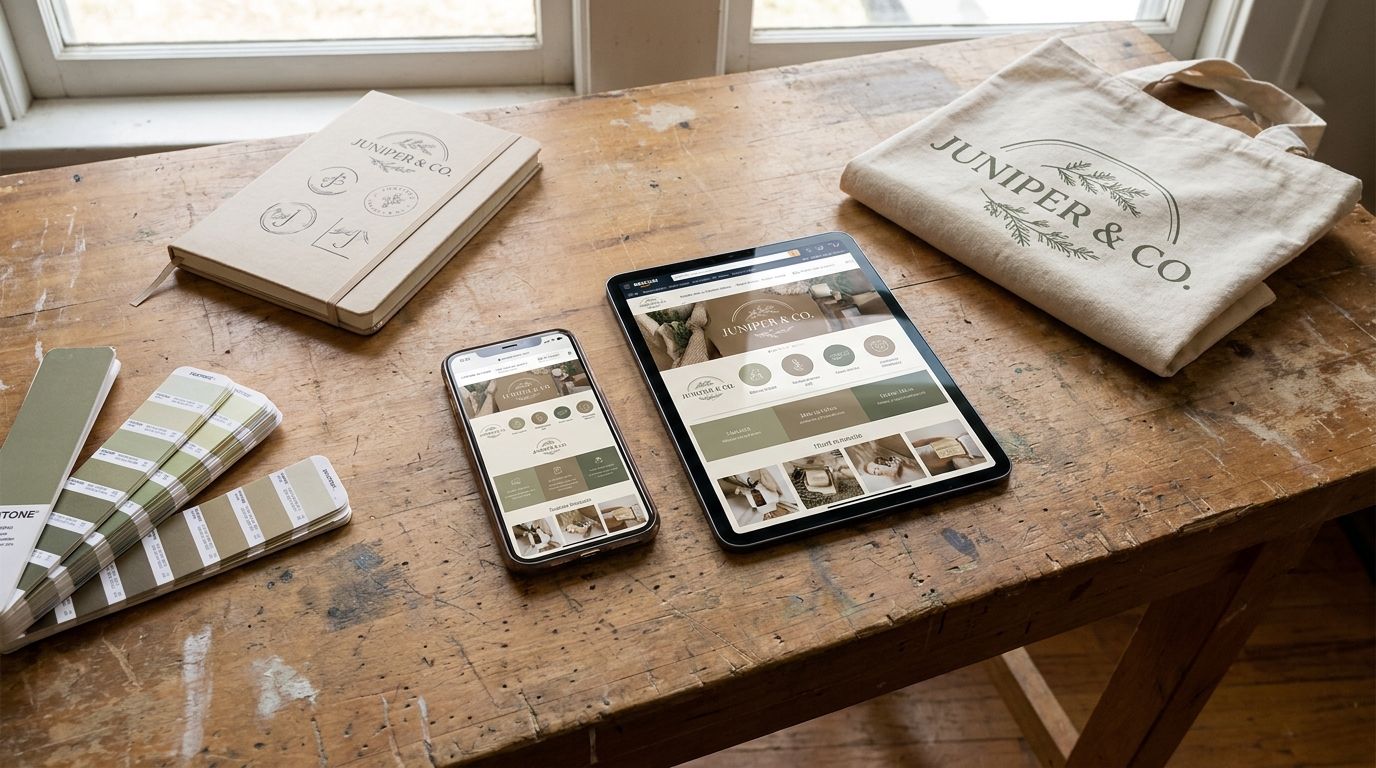
Keep your branding consistent: Use the same logo, color palette, and fonts that you use on your website and social media. This reinforces your brand identity. Learn more about the eight essential brand elements to establish a strong identity.
Tell a story with your collections: Don't just list products. Group them into themes. For example, create a "Summer Vibes" collection featuring beachy designs on t-shirts, tote bags, and water bottles.
Optimize for mobile: The majority of Amazon shoppers browse on their phones. Preview your storefront on mobile to ensure it looks great and is easy to navigate on a smaller screen.
Why Gelato is your best partner for an Amazon Storefront
Creating a beautiful storefront is one thing; fulfilling orders efficiently is another. This is where Gelato comes in. By connecting your Amazon store to Gelato, you can automate your entire print on demand workflow.
Vast product catalog: Gelato offers hundreds of high-quality products, from apparel to wall art and stationery. You can easily populate your Amazon Storefront with a diverse range of items that appeal to different customer segments. Want to sell premium artwork? Gelato offers museum-quality prints. Considering trendy apparel? Check out our options for designing and selling custom hoodies.
Superior print quality: With advanced techniques like DTF printing, your designs will look vibrant and professional, leading to happy customers and positive reviews.
Local, on-demand production: Gelato’s network of production partners in 32 countries means orders are produced closer to your customers. This leads to faster shipping times, lower costs, and a reduced carbon footprint, giving you a competitive edge.
Seamless integration: While Gelato doesn't have a direct, one-click Amazon integration, you can easily manage your Amazon orders through our platform by connecting your Amazon store to your Shopify or Etsy store, which then integrates with Gelato. This workflow allows you to maintain a central hub for all your POD orders.
Top POD products to feature in your Amazon Storefront
Not sure what to sell? Start with proven winners. Here are some of the most profitable print on demand products that perform well on Amazon:
Custom Hoodies and T-shirts: Apparel is a classic for a reason. Unique, eye-catching designs on high-quality garments are always in demand.
Framed Wall Art: Many shoppers turn to Amazon for home decor. Offering your designs as framed prints is one of the most profitable product categories for creators.
Print on Demand Mugs: Mugs are perfect impulse buys and gift items. A clever or beautiful design can make your mug a bestseller. Our guide to print on demand mugs can help you get started.
Tote Bags: Eco-friendly and practical, custom tote bags are popular accessories. They offer a large canvas for your creative designs.
Promoting your new Amazon Storefront
Once your store is live, it's time to drive traffic. Don't just wait for customers to find you.
Link from your website and social media: Add your Amazon Storefront URL to your social media bios and website.
Run Sponsored Brands ads: These ads appear at the top of search results and can drive highly relevant traffic directly to your store pages.
Use Amazon Posts: This is a free tool that lets you publish social-media-style content on Amazon to engage shoppers.
Creating an Amazon Storefront is a fantastic way to elevate your print on demand business. It transforms your products from individual listings into a professional, branded collection that builds customer loyalty and drives sales.
You don't need dozens of products to begin. Start with your best design, list it on a few key products, and build from there.